A single finished report can be downloaded as an Excel file, including its trip list. The central user can also export all received and accepted reports at once, from a single list, as input for accounting — doing so marks those reports as "exported".
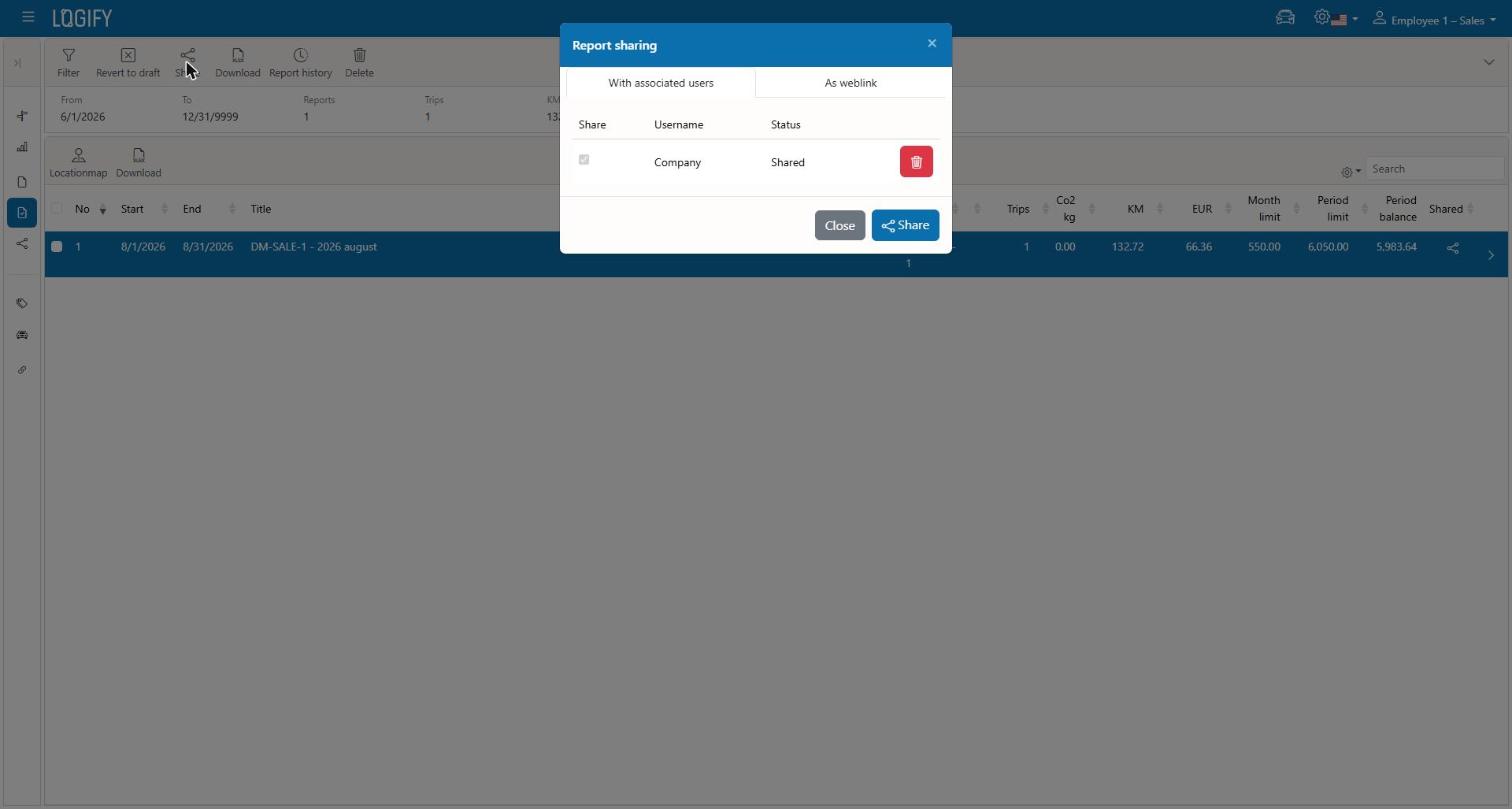
A finished report can be shared via a public, read-only link — useful for e.g. handing it to an accountant who doesn't have a Logify account. The link stays valid until it's deleted manually or expires automatically.
This is separate from the public link — it's for the internal team approval flow. The report is cloned into a chosen connected user's account, where it goes through the approval process (see "Report Lifecycle").